AI supports your VTuber streams around the clock
No face cam or voice required. With AITuber OnAir, an AI avatar hosts casual talk and moderates comments so you can debut even on a tight schedule.
It's completely free and connects to YouTube or Twitch right away.
You just need a PC and browser.
Because we don't provide one-on-one support, please follow the official guide (Japanese) to complete your setup.
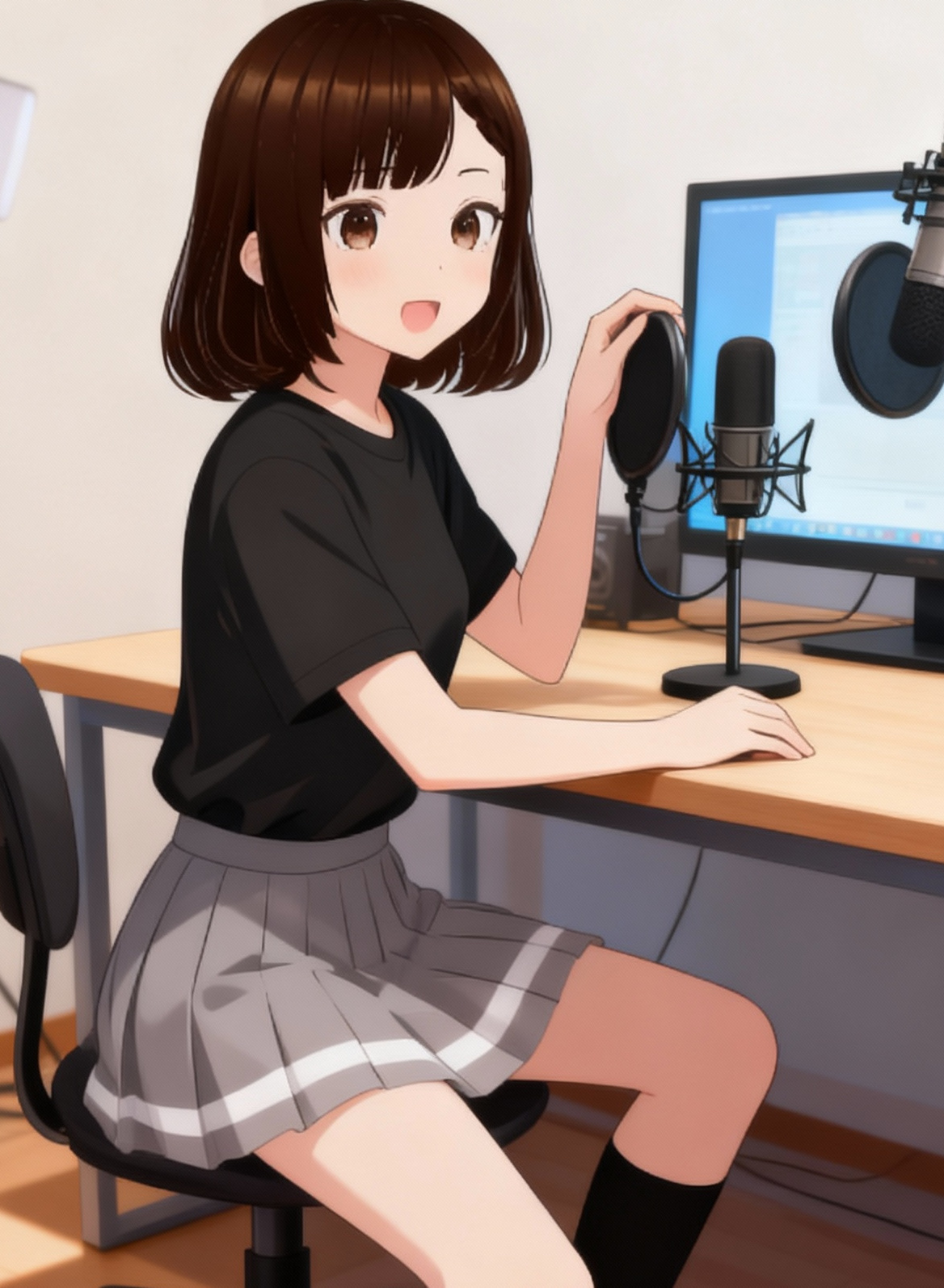
Common Challenges for Aspiring VTubers
AI backs you up through the tricky points of preparing your first stream and maintaining regular broadcasts.

Running out of conversation topics
Writing scripts takes time and picking a theme for every stream becomes a burden.
Not wanting to show face or voice
You want to start as a VTuber while avoiding doxxing risks and the hassle of audio gear.
Hard to secure streaming time
Balancing studies or work makes long broadcasts tough, and filling breaks is another challenge.
Can't keep up with chat
When concurrent viewers spike, it's difficult to respond in real time and fans feel distant.
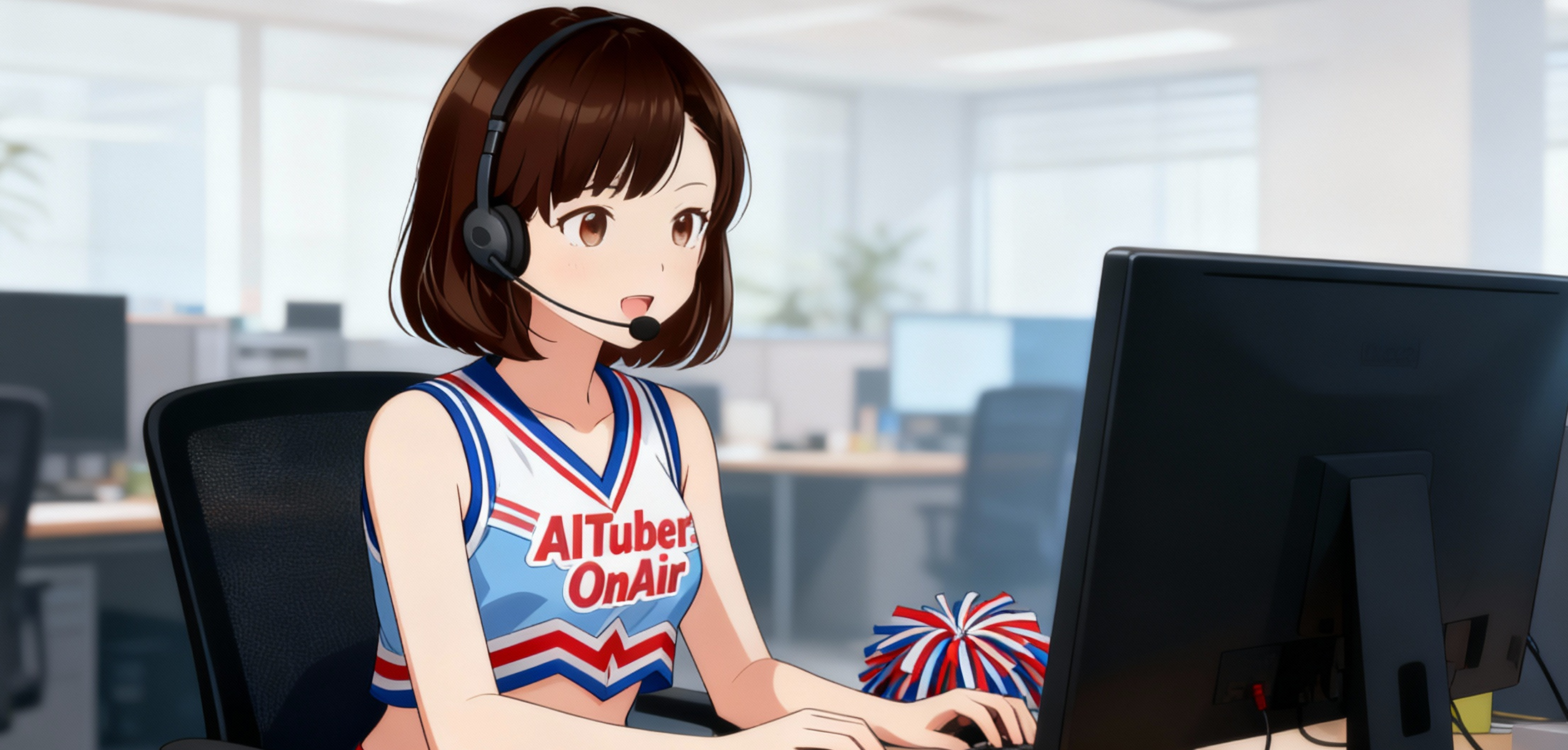
AITuber OnAir provides AI-guided stream operations. It automates casual banter and comment replies so you can focus on planning and bonding with fans.
It can also view your screen to reference gameplay or content, meaning the AI keeps the excitement up while you enjoy your favorite games.
What You Can Do with AITuber OnAir
This free streaming operations tool covers everything from debut preparation to ongoing shows.
Automatic talk generation and pacing
The AI creates scripts and ad-lib prompts tailored to your theme, updating them as the stream progresses.
Automated comment responses
Reads YouTube or Twitch live chat and sends replies instantly based on the character profile you configure.
OBS & platform integration
Connect with OBS to design your own overlay. Works with major streaming platforms like YouTube and Twitch.
Start even without a model
If you lack a VRM model or avatar assets, you can test immediately with the default AI avatar "Miko" and swap it later.
Monetization funnel ideas
Alongside Super Chat and memberships, the 8-week roadmap highlights templates for tools like Q&A services (e.g., mond) and community building.
AITuber OnAir helps automate streaming tasks. Configure monetization settings on each platform yourself and make sure you comply with their policies.
Get Started in 3 Steps
No account registration required. Check the official guide for detailed settings.
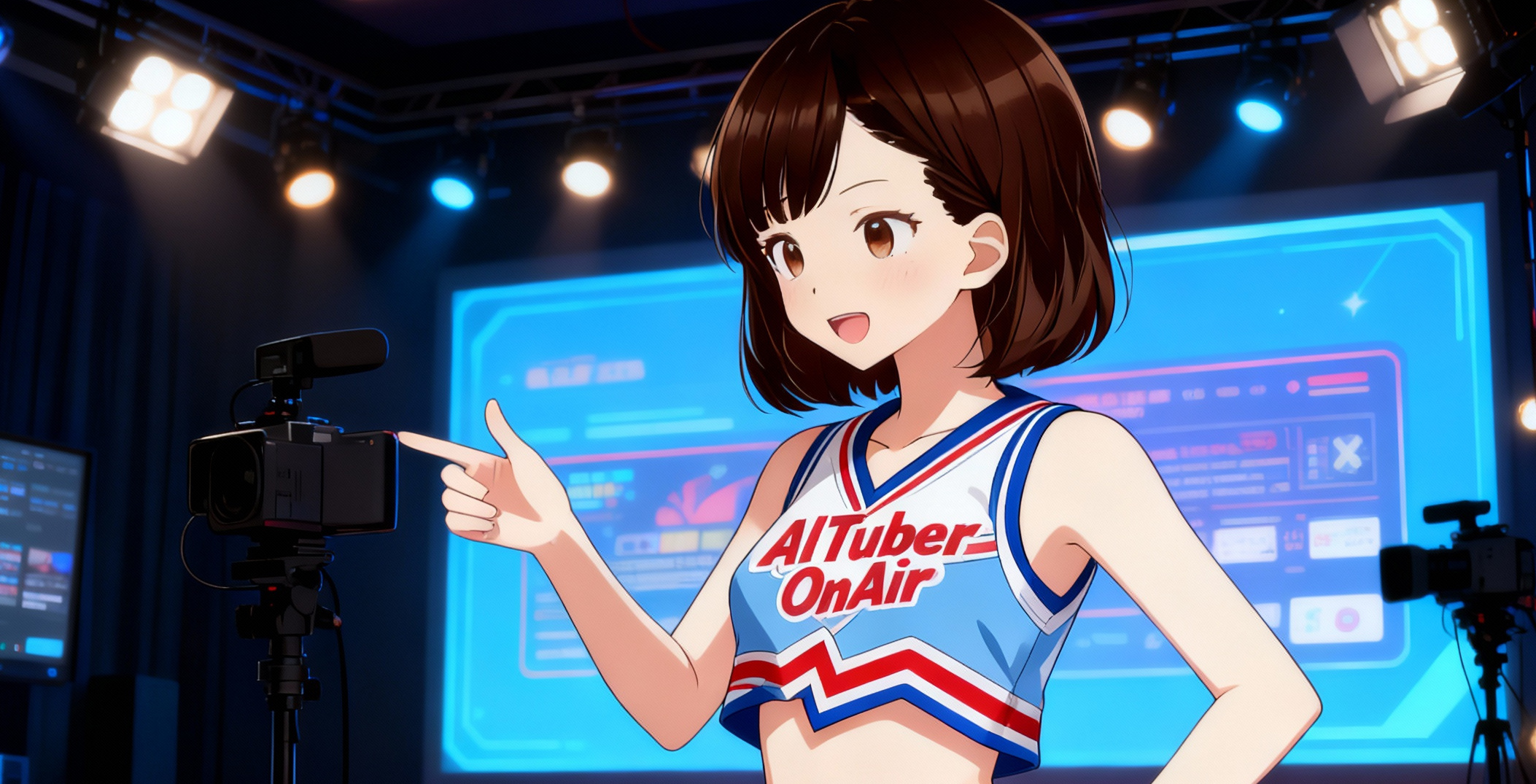
Configure your avatar and voice
Upload a VRM model, image, or video loop, or pick Miko. Adjust tone and style with the TTS engine.
Connect streaming platforms and OBS
Register your YouTube or Twitch stream keys, follow the guide to link OBS, and let the system walk you through connection tests.
Set character profile and talk policies
Enter character lore and conversation templates as system prompts before going live. The AI can take over comment replies automatically.
8-Week Roadmap
A phase-based checklist to get your VTuber activity on track within two months. Use the official guide and templates throughout each phase.
Week 1-2 Build your streaming environment
Link OBS with AITuber OnAir, define your character, and finish your schedule. Aim for three regular slots per week while running test streams.
Week 3-4 Establish your style
Refine system prompts and show formats. Clip highlights into Shorts or TikTok videos to expand awareness.
Week 5-6 Expand fan touchpoints
Open a community on X or Discord. Direct fans to a Q&A box (e.g., mond) and reuse submissions as stream topics.
Week 7-8 Trial monetization paths
Start guiding viewers to Super Chat or memberships, mix in Q&A sessions and collabs, and set a mid-term goal of 500 fans.
* Registering and running external services such as mond or social platforms is your responsibility. Follow each service's terms of use.
Use Cases
Integrating AI support lets you cover a wide range of streaming styles.
Late-night chat streams
Let AI carry the conversation after midnight. Even if you get sleepy, generated talk keeps the energy up.
Morning news radio
During a 30-minute morning slot, AI reads the news aloud while auto-replying to chat.
Co-working / BGM streams
During focus streams, AI injects periodic prompts so viewers stay engaged without you breaking concentration.
Weekend event streams
Before and after collabs, AI handles chat moderation to keep the event flow smooth.
Pricing & Requirements
The core tool stays free
AITuber OnAir has no base subscription. External API usage may generate separate charges.
- Tool access: Free with no registration.
- Ongoing costs: Pay only for third-party APIs such as speech synthesis or AI services you connect.
- Required environment: PC, OBS, streaming platform account, and an up-to-date browser (Chrome recommended).
* No official help desk or onboarding service is provided. Configure the tool yourself using guides and community resources.
* Streaming or monetization outcomes are not guaranteed. Follow each platform's terms and operate at your own discretion.
* If your avatar or voice library requires attribution, follow the provider's instructions.
Frequently Asked Questions
Q. Is it really free?
A. Yes. AITuber OnAir itself is free to use. You only pay for any external APIs you add.
Q. Do I need to show my face or voice?
A. No. An AI avatar and synthesized voice act as your stand-in.
Q. What if I don't have a model?
A. You can test with the default avatar Miko and replace it later with your own model.
Q. Can it handle toxic comments?
A. Yes. Register NG words in AITuber OnAir and the AI will manage inappropriate messages while keeping the stream composed.
Q. Do you offer technical support?
A. We don't provide direct support. Please rely on guides and the user community for troubleshooting.